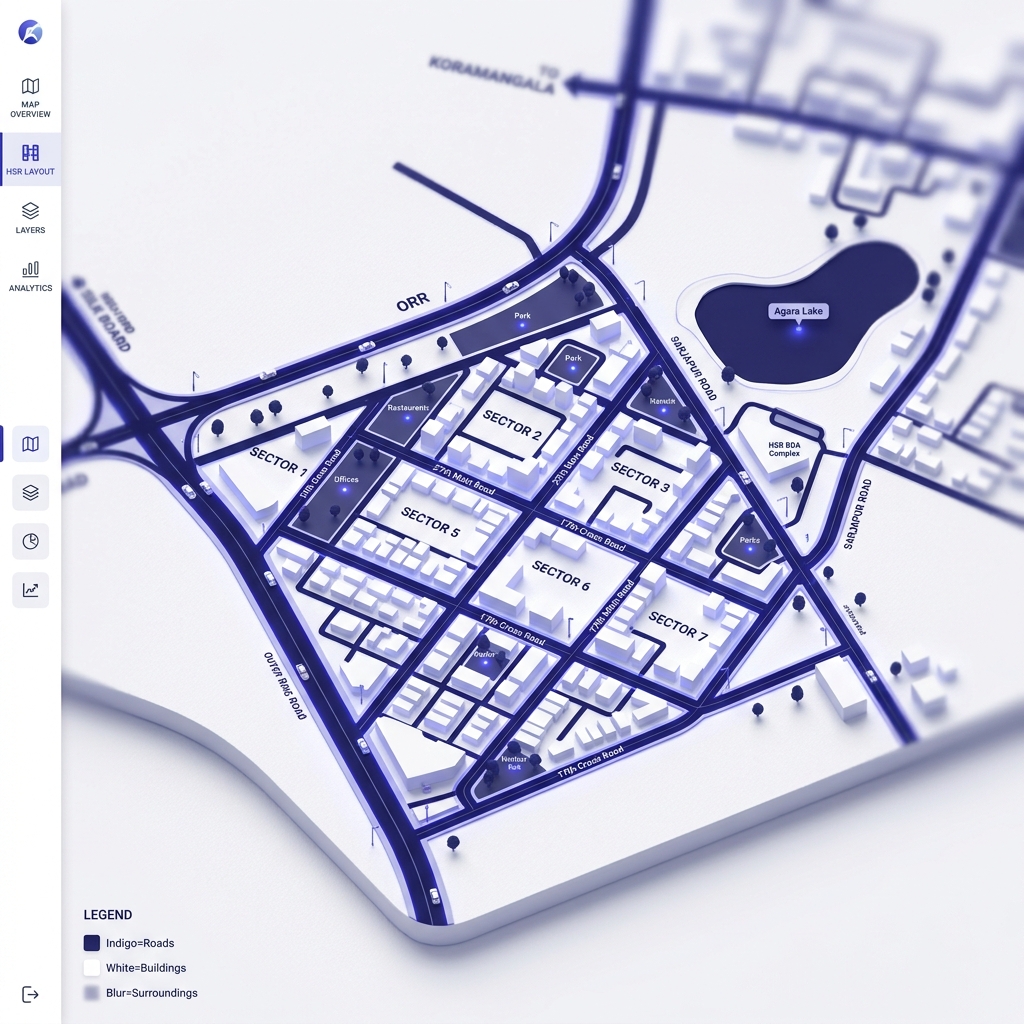
Organizations across education, construction, field operations, and corporate workplaces enthusiastically adopted QR code check-ins to replace clunky biometric hardware and sign-in sheets. Yet many operations managers soon uncover an uncomfortable reality: attendance records show 100% presence, while the workspace is half empty.
The culprit isn't employee tardiness—it is attendance fraud facilitated by static paper QR codes.
When check-ins rely solely on a printed paper QR code pasted on a wall or reception desk, your attendance perimeter extends anywhere an internet connection exists. Here is why paper-only check-in systems fail, how proxy punching works, and how QRFlow GPS Geofencing closes the loop permanently.
The Illusion of Security: How Paper QR Codes Get Exploited
A printed QR code is simply a physical shortcut to an encoded URL or form. Because paper is static and unmonitored, workers exploit it effortlessly:
1. The "WhatsApp Proxy" (Remote Buddy Punching)
One worker arrives on-site, snaps a clear photo of the printed wall poster or front-desk QR code, and shares it in a group chat. Absent or late colleagues scan the image from their beds, cars, or coffee shops miles away. The system records an on-time check-in.
2. The Permanent Digital Duplicate
Employees take a single high-resolution screenshot on Day 1 and save it to their photo gallery or desktop monitor. For the rest of the year, they scan the duplicate daily without setting foot on company premises.
3. Physical Tampering and Over-stickering
Unattended paper codes can be vandalized, peeled off, or swapped with counterfeit codes that redirect users to unauthorized forms or phishing pages, creating payroll and security risks.
The Cost of Attendance Fraud
Attendance fraud isn't harmless convenience—it directly hits operational margins, safety compliance, and payroll accuracy:
- Time Theft & Ghost Payroll: The American Payroll Association (APA) reports that buddy punching affects over 75% of companies with hourly workforces, siphoning 2% to 5% of gross payroll.
- Workplace Safety & Emergency Headcounts: In facilities requiring certified physical presence (warehouses, construction zones, clinical labs), fake check-ins compromise safety compliance and post-incident evacuations.
- Skewed Productivity Metrics: When remote scans masquerade as on-site shifts, capacity planning and productivity benchmarks break down.
Why Biometrics and Proprietary Apps Aren’t the Answer
When paper QR codes fail, organizations frequently jump to expensive extremes:
| Check-in Method | Vulnerabilities & Drawbacks |
|---|---|
| Paper QR Code | Vulnerable to photo sharing, proxy scanning, and zero location verification. |
| Fingerprint / Facial Biometrics | High hardware costs, long entry queues, hygiene concerns, and strict biometric privacy compliance issues. |
| Dedicated Mobile Apps | High employee friction, device compatibility problems, battery drain complaints, and constant app store updates. |
| QRFlow Geofenced QR | Zero hardware, no app installation required, instant browser-level GPS verification, and anti-spoofing protection. |
The Solution: Location-Aware Check-ins with QRFlow Geofencing
To eliminate attendance fraud without buying biometric terminals or forcing staff to install invasive tracking apps, you need location verification at the exact millisecond of the scan.
This is where QRFlow GeoFencing transforms standard QR codes into intelligent, fraud-proof digital gates.
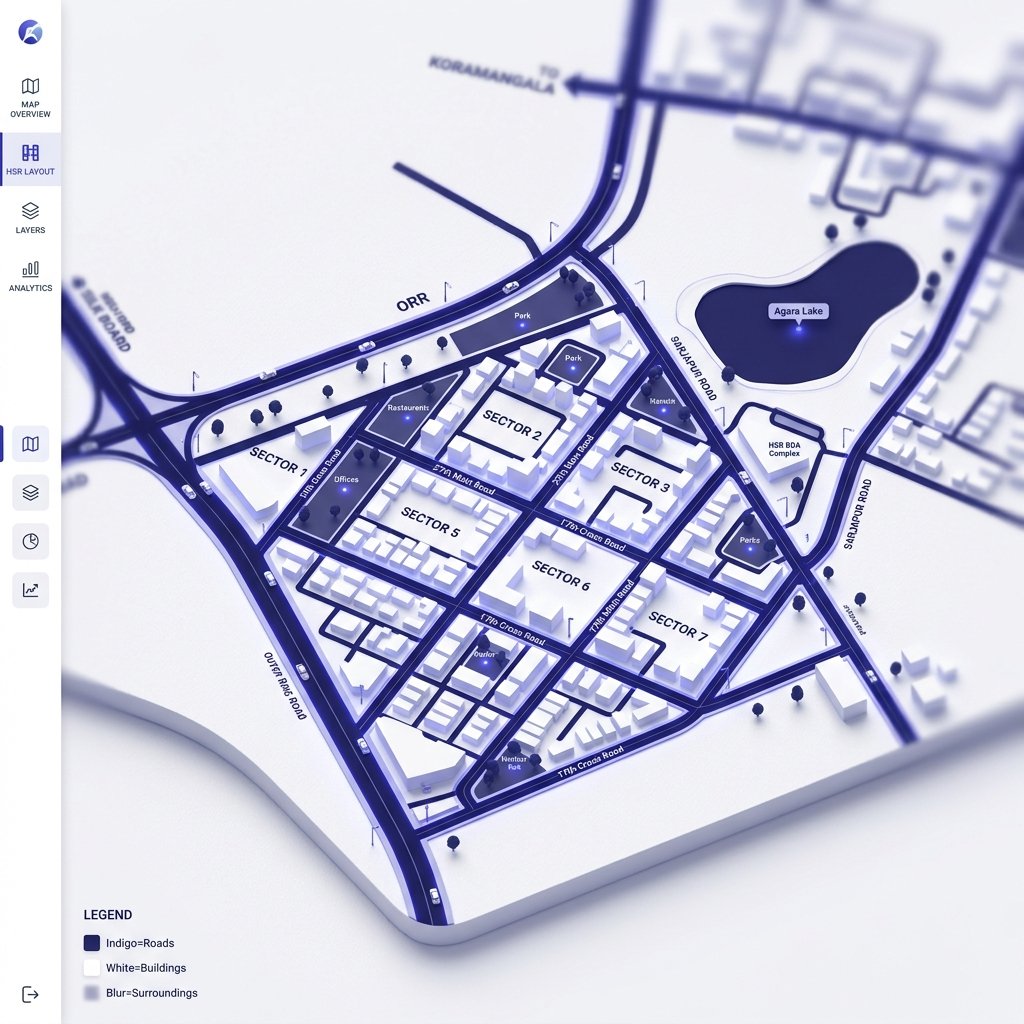
How QRFlow GPS Validation Works
- Define Your Geofence Perimeter: Set your office, construction site, event floor, or classroom location on the interactive map with a custom radius (e.g., 50m, 100m, or 250m).
- User Scans with Native Phone Camera: The employee or attendee scans the QR code using their iPhone or Android camera—no special app required.
- Instant Millisecond GPS Handshake: The browser securely requests device geolocation. QRFlow verifies whether the device is physically located inside the defined boundary.
- Conditional Redirection:
- Inside the Perimeter: The scan succeeds and immediately redirects to the clock-in form, attendance dashboard, or portal.
- Outside the Perimeter: Access is denied instantly with a customizable fallback notice (e.g., "You must be on-site to register attendance").
Key Capabilities of QRFlow for Foolproof Attendance
1. Zero-Install Web Experience
Unlike native tracking apps that provoke worker pushback, QRFlow runs directly in mobile browsers (Safari, Chrome, Edge). It verifies location strictly during the active check-in interaction, preserving worker privacy without continuous background battery drain.
2. Multi-Branch & Multi-Zone Support
Manage multiple job sites, branch offices, or client facilities? A single QR code dynamically routes the user to the correct branch log based on which geofence perimeter they entered.
3. Strict Anti-Proxy Logic
Even if an employee forwards a photo of the QR code to an off-site co-worker, the recipient's phone will report coordinates outside the geofence, blocking the fraudulent check-in on the spot.
4. Comprehensive Audit & Scan Analytics
Track real-time check-in logs, timestamped scan coordinates, browser types, and out-of-boundary violation attempts directly from the centralized QRFlow dashboard.
Summary Checklist: Upgrading Your Check-in Security
- Audit existing paper QR check-in points for photo-sharing vulnerabilities.
- Eliminate proxy attendance without purchasing proprietary kiosk hardware.
- Implement radius-based geofences tuned to the physical footprint of each site.
- Review automated violation logs to detect habitual off-site check-in attempts.
Stop Attendance Fraud on Your Sites Today
Switch from vulnerable paper prints to tamper-proof, location-verified QR codes in less than 2 minutes.
Explore QRFlow Geo-Fencing →Frequently Asked Questions (FAQ)
Can employees bypass the check-in using a VPN?
Standard IP VPNs mask network origin, but QRFlow uses high-accuracy HTML5 browser GPS coordinates provided directly by the device's hardware sensors, rendering IP spoofing ineffective.
What if GPS signal accuracy fluctuates inside a building?
QRFlow allows administrators to calibrate the geofence radius (e.g., from 30 meters up to 150 meters) to account for commercial building layouts and satellite signal tolerances while keeping out off-site fraud.
Is this GDPR and privacy compliant?
Yes. QRFlow requests location permissions strictly at the moment of scan for attendance verification. It does not track, record, or monitor employee movements in the background once the session closes.